Easygate Software

EDBQ - Pro

Free edition available

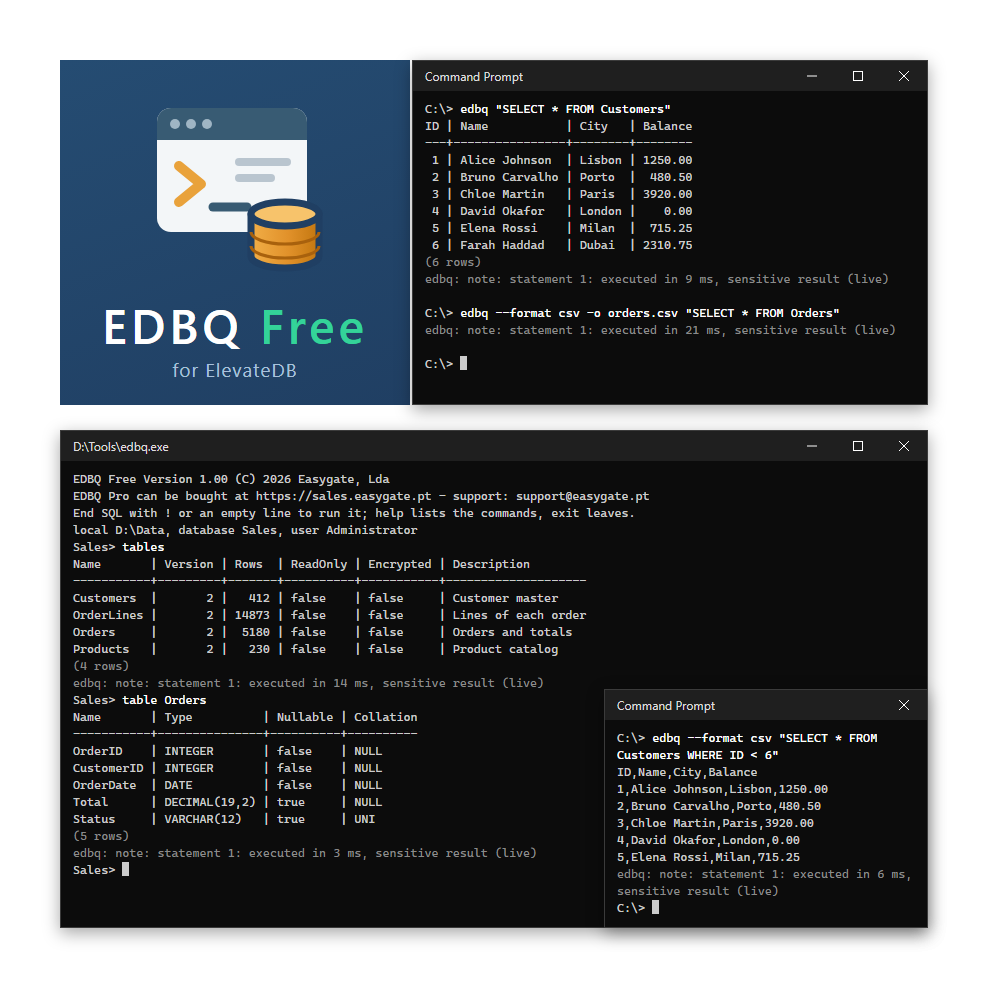
Try EDBQ Free first: it is a free download in this store, with a limit of 10,000 rows per result and without the features below.

What EDBQ Pro adds to EDBQ Free

  • No limit on the rows of a result
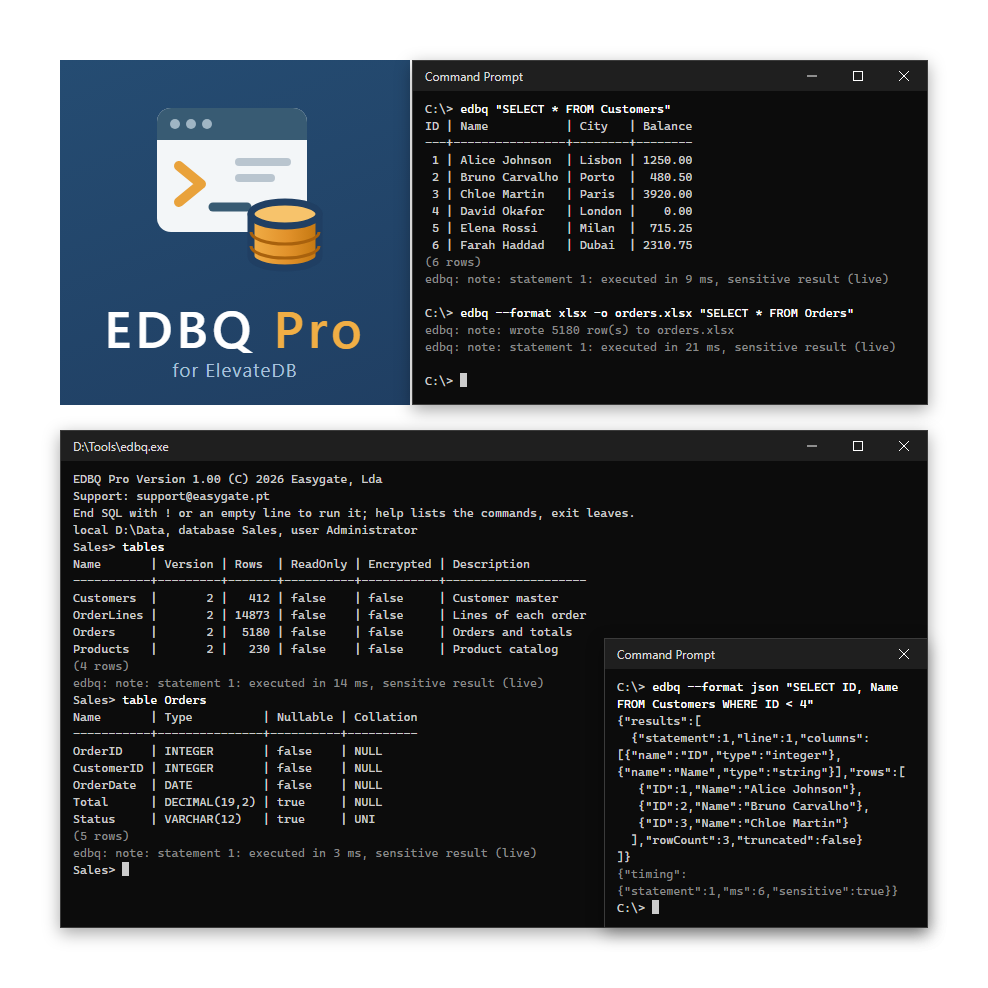
  • Results as JSON and as Excel (xlsx) workbooks with typed cells, besides table and CSV
  • ElevateDB scripts (SQL/PSM) and the call command for stored procedures
  • Every statement, including those for users, roles, databases, jobs and the other configuration objects
  • Execution plans of the statements (--plan)
  • Server administration: sessions, session-disconnect, session-remove, locks, log and statistics
  • backup-to: a complete backup of a local database with one command

Requirements

  • Windows, 32 or 64-bit
  • ElevateDB 2: a local session opens the configuration folder directly, a remote session connects to an ElevateDB Server

What's Included

  • edbq.exe for Windows, 32 and 64-bit: no installation and no DLLs
  • Example configuration file (edbq.ini.example), which explains the settings
  • Documentation: help (CHM) and PDF manual, in English and Portuguese
  • Perpetual license per user, for all the computers that person needs
  • Free support and updates for 1 year (optional annual subscription of €28 after the first year)

Documentation

The product includes a PDF manual and a CHM help file, in English and Portuguese.

The program also has built-in help: edbq --help.

EDB Tools

EDBQ - Pro

Command-line SQL client for ElevateDB

EDBQ is a command-line SQL client and administration tool for ElevateDB. It runs SQL and ElevateDB scripts from a prompt, a batch file or a scheduled task, against a local database or an ElevateDB Server, and writes the result as a table, CSV, JSON or an Excel workbook. EDBQ Pro includes one year of support and updates; after that, the optional annual subscription costs only €28.

At a glance

  • Any SQL, from anywhere - an argument, a file, stdin or the prompt; statements split by a separator, or a whole ElevateDB script (SQL/PSM)
  • Four output formats - table, CSV, JSON and Excel (xlsx) workbooks with typed cells; big results are written as the rows are read
  • Interactive mode - line editing and history, SQL over several lines, and commands that describe tables, views, procedures, functions, users, roles and stores
  • Read-only by default - only SELECT runs unless the profile says otherwise
  • Local or remote - a local session opens the configuration file, a remote one connects to an ElevateDB Server
  • Server administration - sessions, locks, log and statistics, and session-disconnect and session-remove to stop a statement that runs away
  • Backup in one command - backup-to command writes a complete backup of a local database directly to a file
  • Stored procedures - the CALL command, with the OUT values
  • Execution plans - each statement with its plan, written to a file (--plan)
  • Time limits and Ctrl+C - an idle limit; the session is closed cleanly
  • Made for automation - one exit code per kind of failure, and errors as JSON, for batch files and scheduled tasks
  • No installation - one program for Windows, 32 and 64-bit, with no DLLs

What's included

  • ✔ Full product access
  • ✔ Unlimited downloads
  • ✔ Priority support
  • ✔ Free updates for 1 year
Price:
69.00 €
🔒 Secure Payment
✉ Download by Email