Easygate Software

EDBQ - Free
FREE

Free edition

EDBQ Free is free of charge, for personal and commercial use. It has the following restrictions, which EDBQ Pro does not have:

Restrictions

  • Up to 10,000 rows per result
  • No JSON or Excel (xlsx) output: files only as CSV
  • No administration statements (users, roles, databases, jobs and other configuration objects)
  • No ElevateDB scripts and no call command
  • No execution plans or server administration commands

Requirements

  • Windows, 32 or 64-bit
  • ElevateDB 2: a local session opens the configuration folder directly, a remote session connects to an ElevateDB Server

What's Included

  • edbq.exe for Windows, 32 and 64-bit: no installation and no DLLs
  • Example configuration file (edbq.ini.example), which explains the settings
  • Built-in help (edbq --help)
  • Free license, for personal and commercial use, on any number of computers

Documentation

EDBQ Free has the built-in help: run edbq --help, or type help at the prompt.

The manuals (CHM and PDF, in English and Portuguese) are included with EDBQ Pro.

EDB Tools

EDBQ - Free

Command-line SQL client for ElevateDB

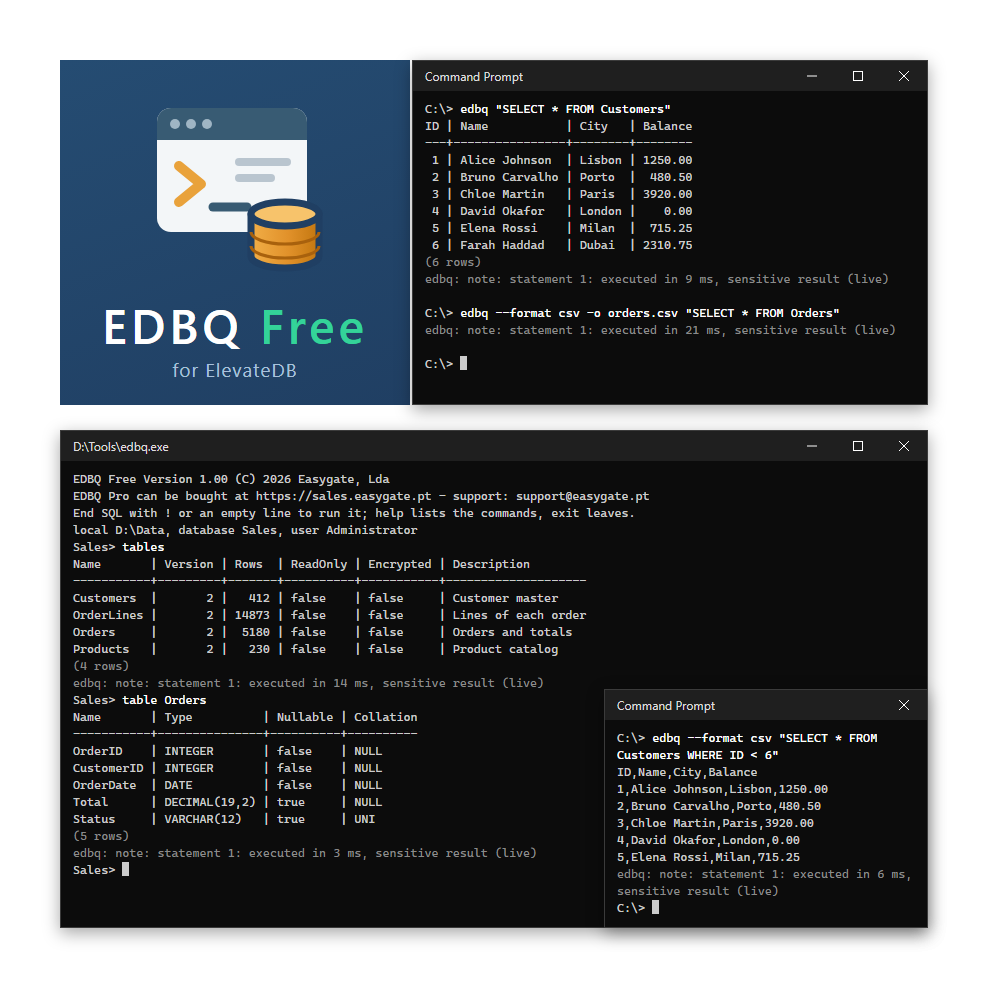
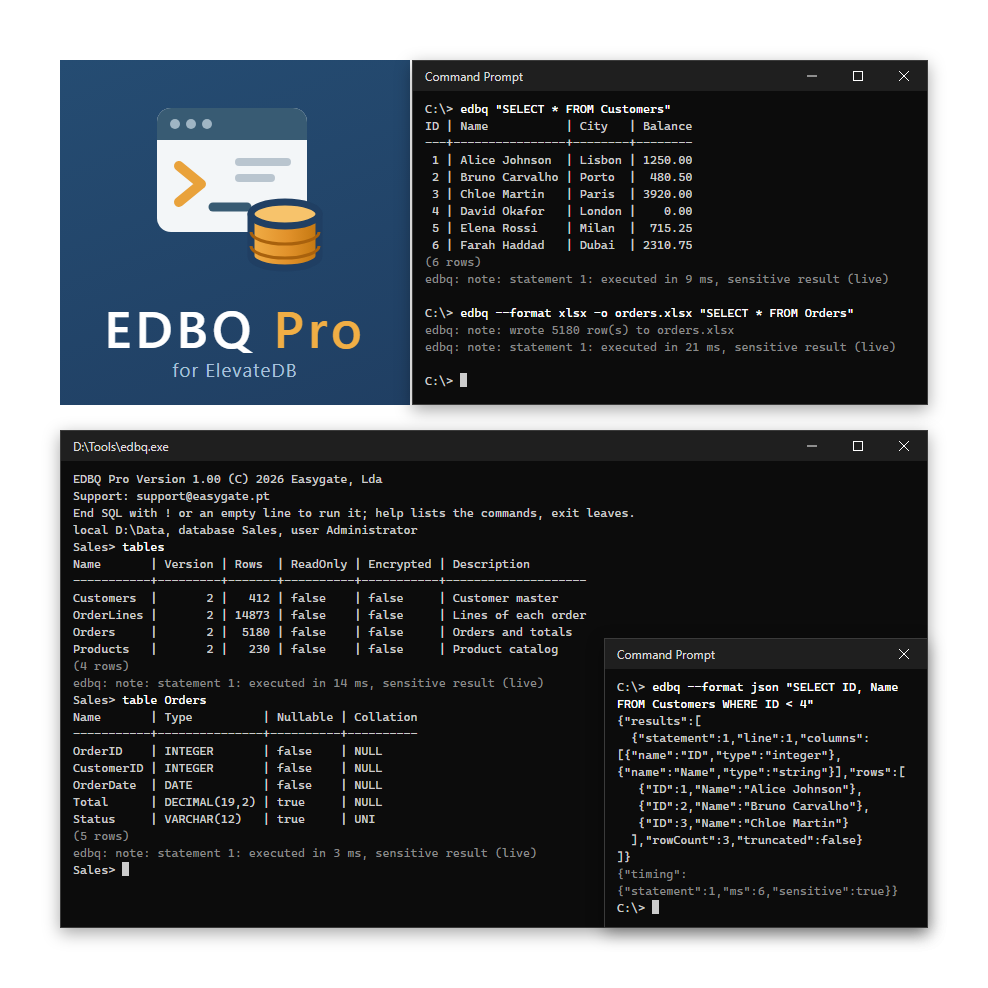
EDBQ is a command-line SQL client for ElevateDB. It runs SQL from a prompt, an SQL file or a batch file, against a local database or an ElevateDB Server, and shows the result as a table or writes it to a CSV file. EDBQ Free is free of charge, for personal and commercial use.

At a glance

  • Any SQL, from anywhere - an argument, a file, stdin or the prompt
  • Table or CSV - a table on the screen, or CSV written to a file
  • Interactive mode - line editing and history, SQL over several lines, and commands that describe tables, views, procedures, functions, users, roles and stores
  • Read-only by default - only SELECT runs unless the profile says otherwise
  • Local or remote - a local session opens the configuration file, a remote one connects to an ElevateDB Server
  • Everyday statements - queries, changes to data and structure
  • Time limits and Ctrl+C - an idle limit; session is closed cleanly
  • Made for automation - one exit code per kind of failure, for batch files
  • No installation - one program for Windows, 32 and 64-bit, with no DLLs

What's included

  • ✔ Immediate access to the product
  • ✔ Unlimited downloads
  • ✔ Basic email support
Price:
Free
⚡ Free Instant Access
✉ Download by Email